1
Add or Edit a Wardrobe Item
Choose an image, upload it, and enter the clothing details you want to keep. You can upload the image first or enter the details first.
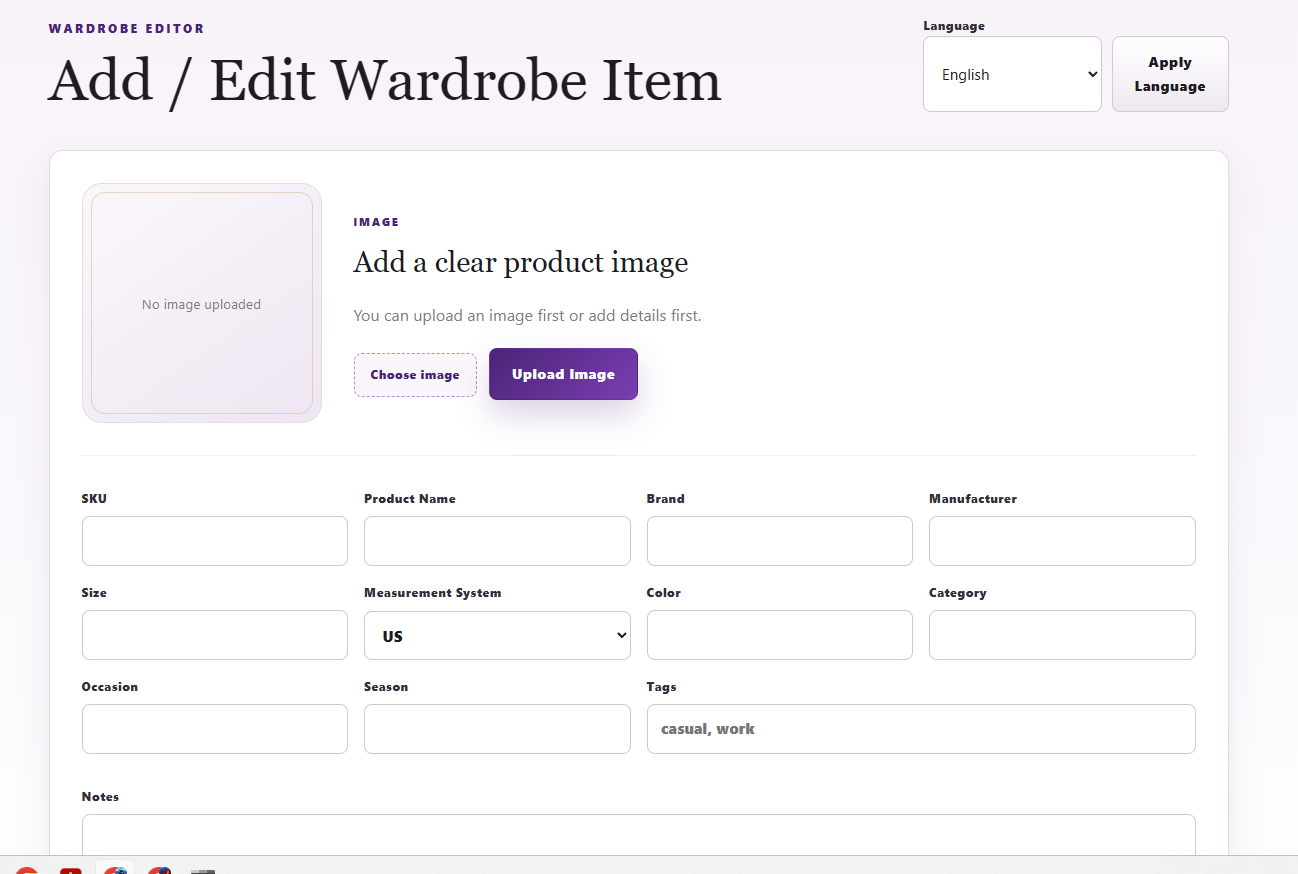
Add clothing items, manage your wardrobe, and keep your inventory organized with images, details, search, and filters.
Choose an image, upload it, and enter the clothing details you want to keep. You can upload the image first or enter the details first.
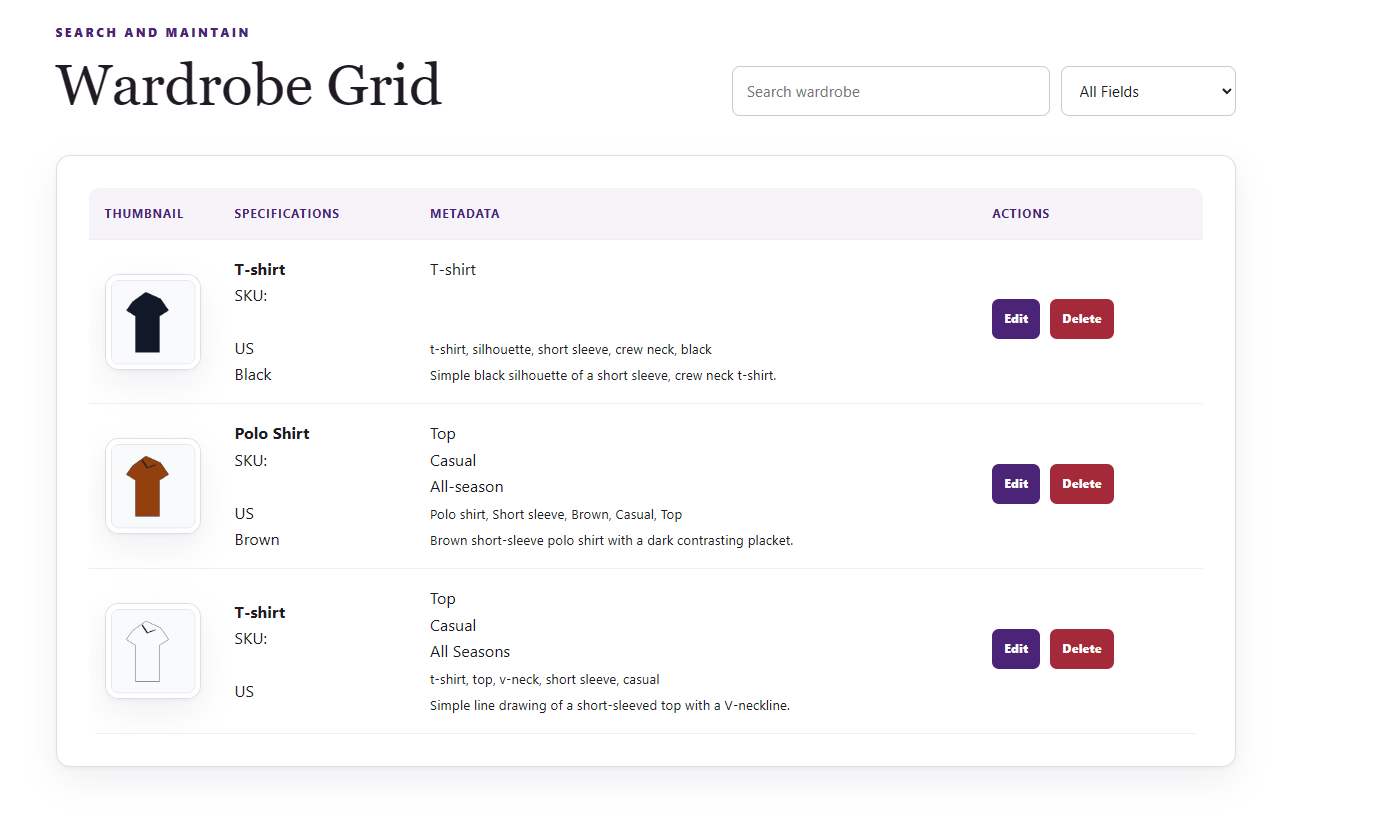
Your saved clothing appears in the Wardrobe Grid. Search or filter the inventory, click Edit to update an item, or Delete to remove it.
Select English or Spanish, then click Apply Language.